When the date on the box decides what ships
Wholesalers, small distributors and anyone storing food, drink or cosmetics: the hard part is not counting stock, it is knowing which pallet has to leave first and being able to prove where a lot went.
A spreadsheet can hold an expiry column. What it cannot do is stop somebody shipping the pallet that arrived yesterday while the one from March sits behind it, or answer “which customers got lot L26294?” three months after the fact.
The businesses that get this wrong do not notice on the day. They notice when a batch has to be recalled, when stock is written off because nobody looked, or when a customer complains about a date that should never have left the building.
-
01
The oldest date is the one you are shown
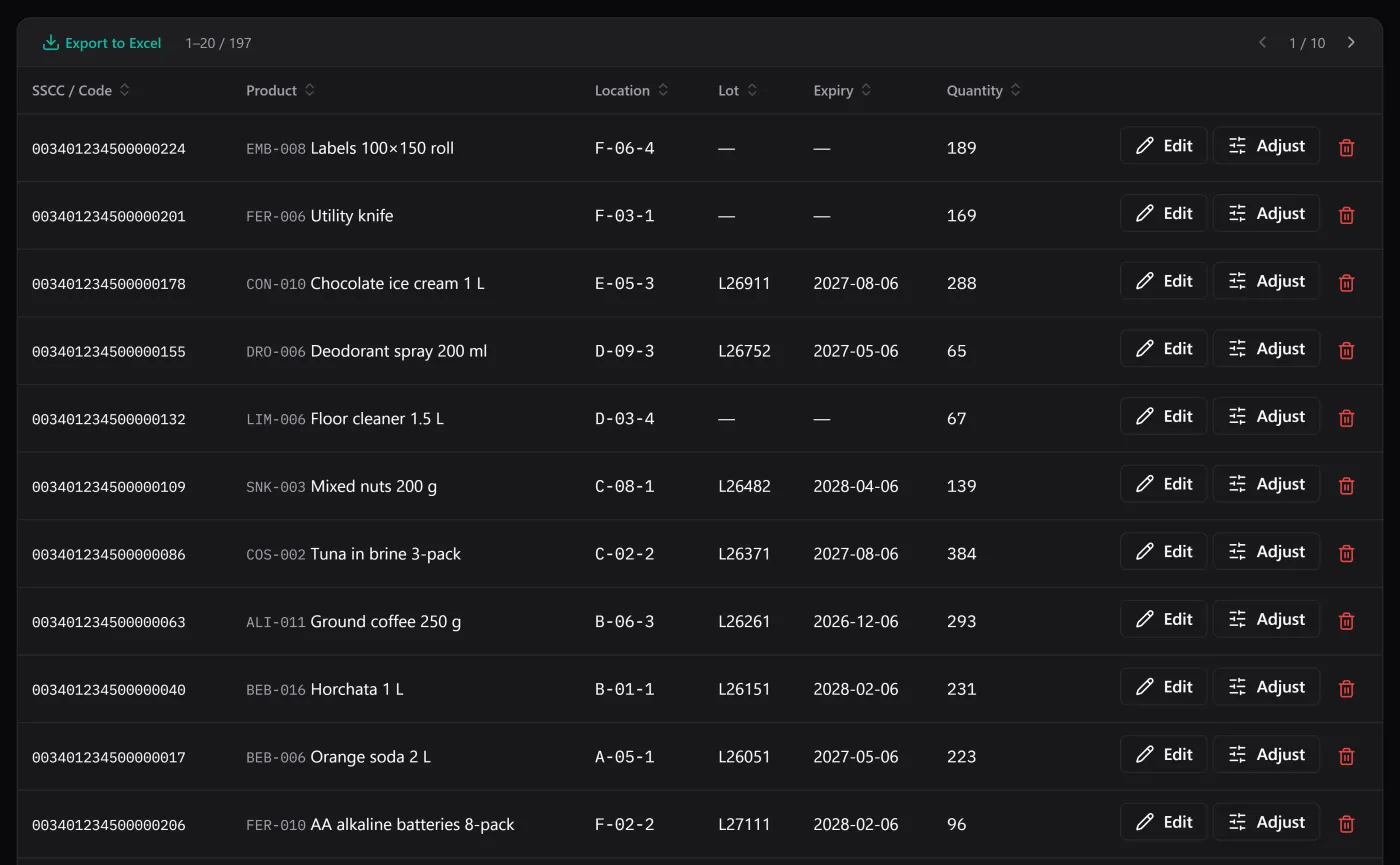
The dashboard counts what expires within thirty days and the stock list filters to it, every line with its lot and its location. The pallet from March is on the screen before somebody walks past it — which is the part a spreadsheet cannot do.
-
02
Lots where you need them
Turn lot and expiry on for the products that need them and leave the rest simple. Stock of a product that requires a lot cannot be registered without one.
-
03
What expires this month, on opening
The dashboard counts what expires within thirty days and the stock list filters to it, so the weekly “what has to move?” takes a click.
-
04
Traceability that survives the pallet
Every movement stores the lot and the location it touched at the time, so the history stays readable long after that stock has gone.
Where it stops It is stock control, not a sales system: BasicInventory holds no prices, no invoices and no customer records, so the customer a lot went to lives in your invoicing, not here.