A location is an address, not a note in a cell
Aisle A, column 04, height 2. The same grid a picker reads off the racking, so what the screen says and what the shelf holds are the same thing.
Spreadsheets store locations as free text, and free text drifts: “shelf B”, “B”, “estantería B”, “B-2 (top)”. Three months later nobody can filter by aisle because there is nothing to filter on. BasicInventory stores the three coordinates separately and builds the code from them, so A-04-2 is always written the same way and is always searchable.
Locations belong to a warehouse and are unique within it, so you cannot create the same position twice by accident. Deleting one that still holds stock is refused rather than silently orphaning pallets — the kind of guard that only matters on the day it stops you.
Every filter in the application understands the grid. Movements, stock and pallets can all be narrowed by aisle, by column or by height, which is how you answer “what is in aisle D?” without reading a list.
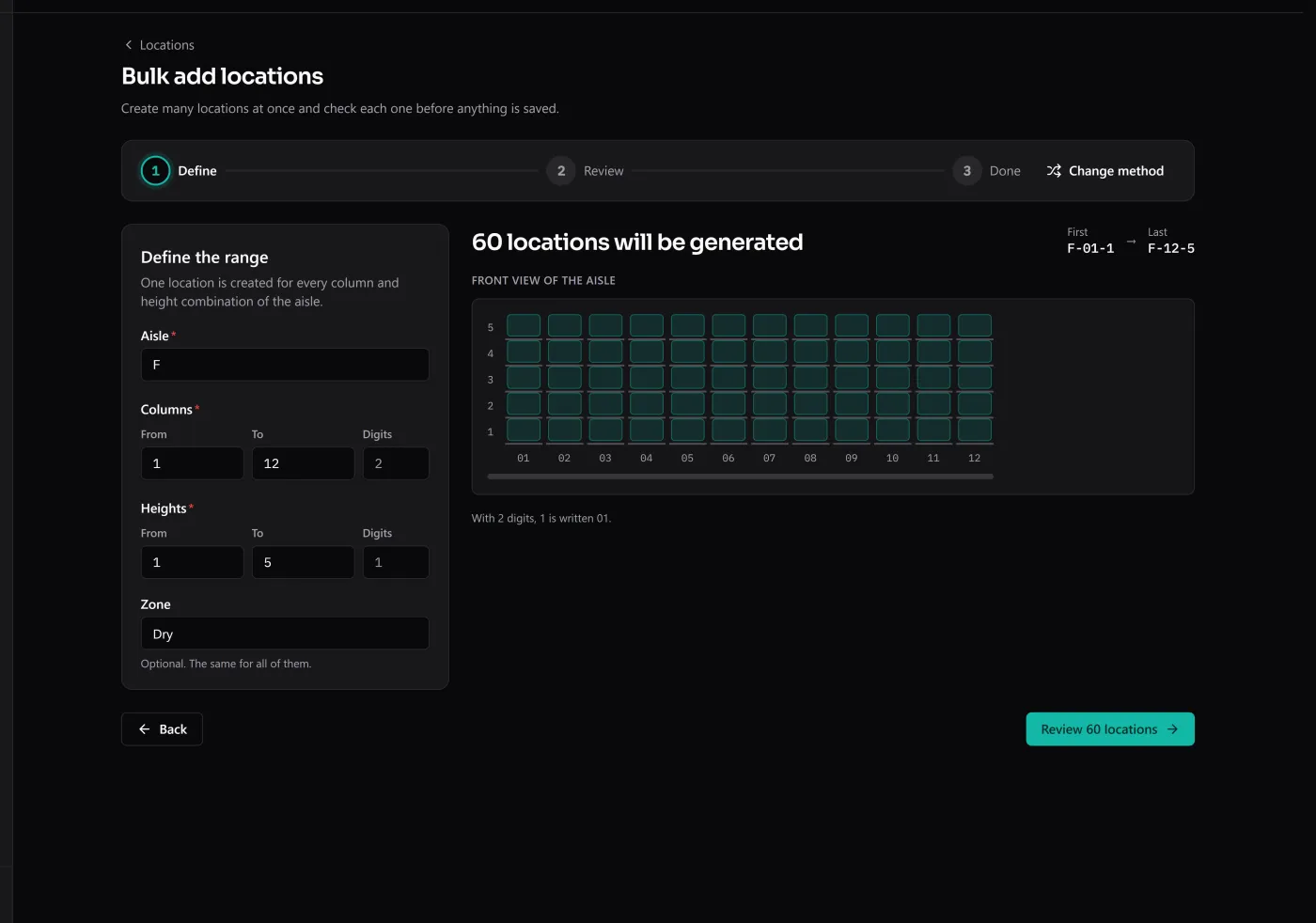
Setting up a warehouse is not three hundred dialogs. Generate a whole rack by range — aisle A, columns 1 to 12, heights 1 to 5 — or fill in the Excel template with every aisle and upload it. Before anything is saved you see, row by row, what will be created, what already exists and what has a mistake; positions that already exist are never duplicated, and a changed zone waits for you to decide.