Good stockroom organization is not a tidy afternoon that unravels by Friday. It is a system three small habits keep alive: everything has an address, everything has a level that triggers a reorder, and every change is written down. Do those three and the backroom stops being the place things disappear into. This is how to set that up for a small shop, and where a simple app earns its keep over a shelf and a memory.
Start with addresses, not shelves
The single biggest upgrade is giving every position a real address instead of a vague “it’s in the back”. A spreadsheet stores locations as free text, and free text drifts: “shelf B”, “B”, “top of B”, “B-2”. Three months later nobody can filter by anything because there is nothing consistent to filter on.
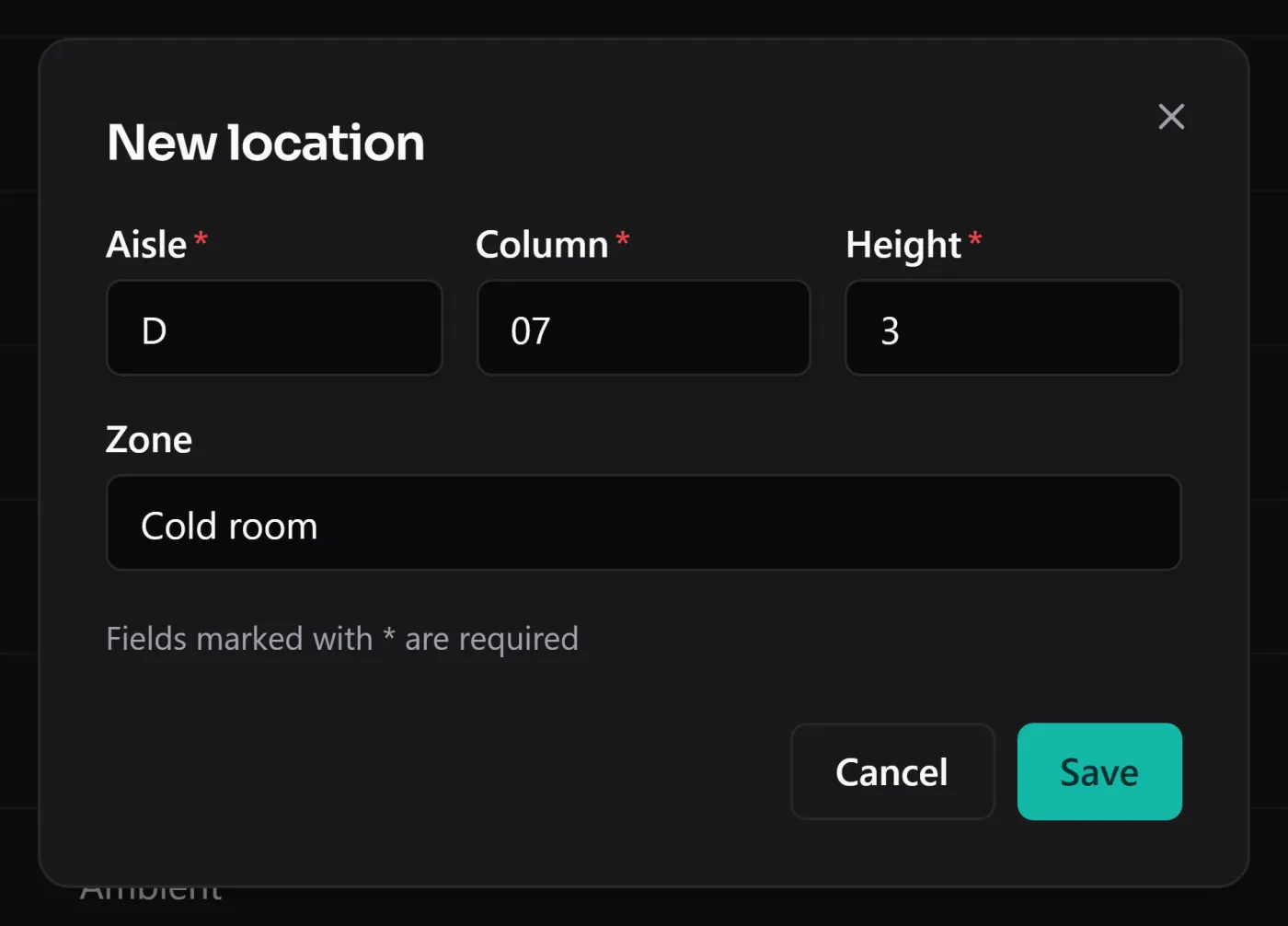
Pick a grid and stick to it. BasicInventory uses three coordinates — aisle, column, height — and builds the code from them, so A-04-2 is always written the same way and is always searchable. It is the same grid a person reads off the racking, which means what the screen says and what the shelf holds are the same thing.
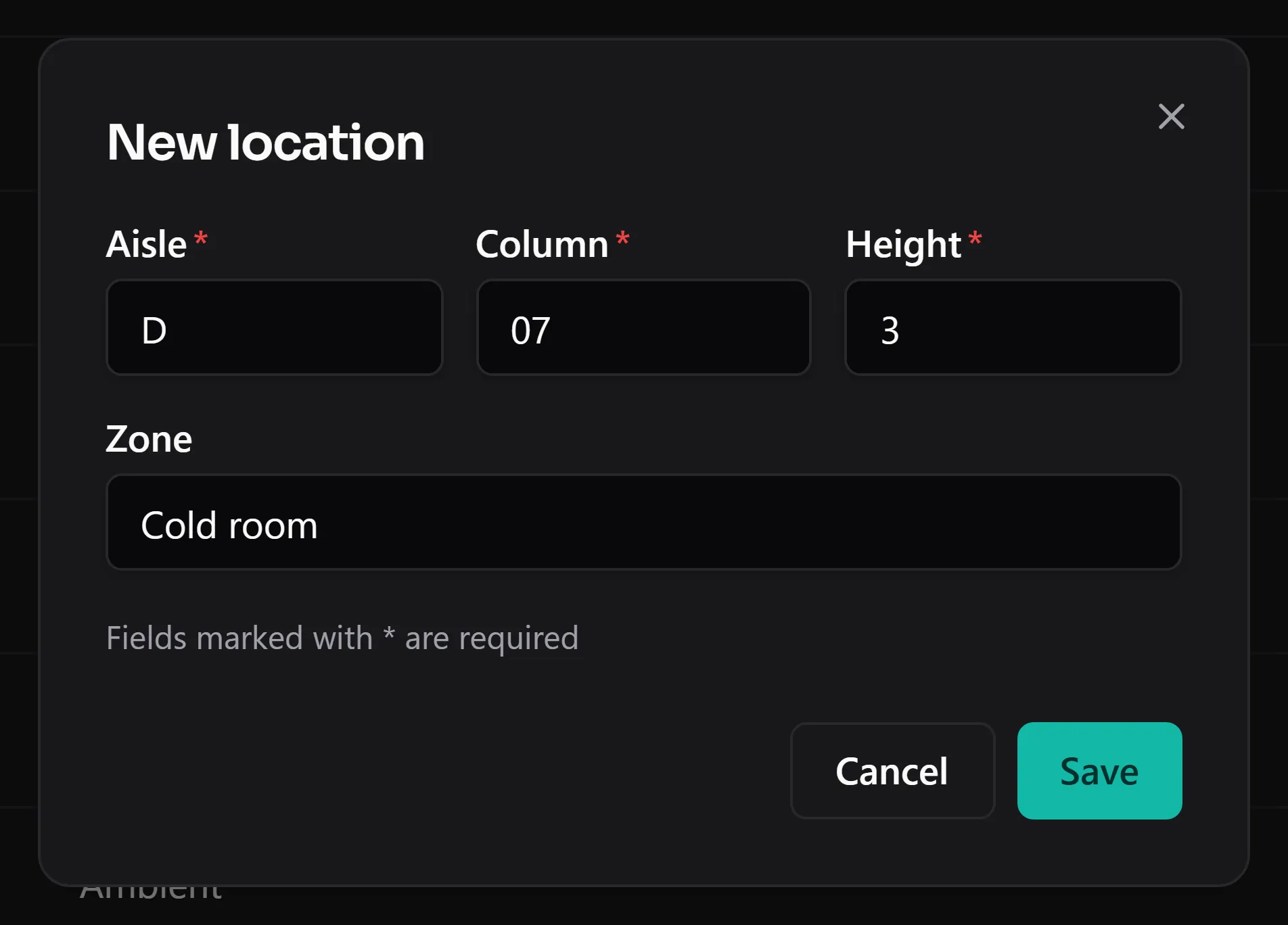
Aisle, column and height — the address of the thing, not a note in a cell.
You don’t need forty aisles for this to pay off. A single wall of shelving with columns numbered and two or three heights is already a grid, and already beats memory. The locations feature goes into the guards that keep it honest — a position that still holds stock can’t be deleted, so you never orphan what’s on it.
Give every line a reorder level
A stockroom’s real job is to not run out of the things you sell while not burying cash in the things you don’t. That is a per-item decision, and it has a name: the reorder level, the quantity at which it’s time to buy more.
Set one on the lines that matter and the dashboard does the watching for you — it counts what has fallen below its level so you see it on opening, not when a customer asks for the thing you’re out of.
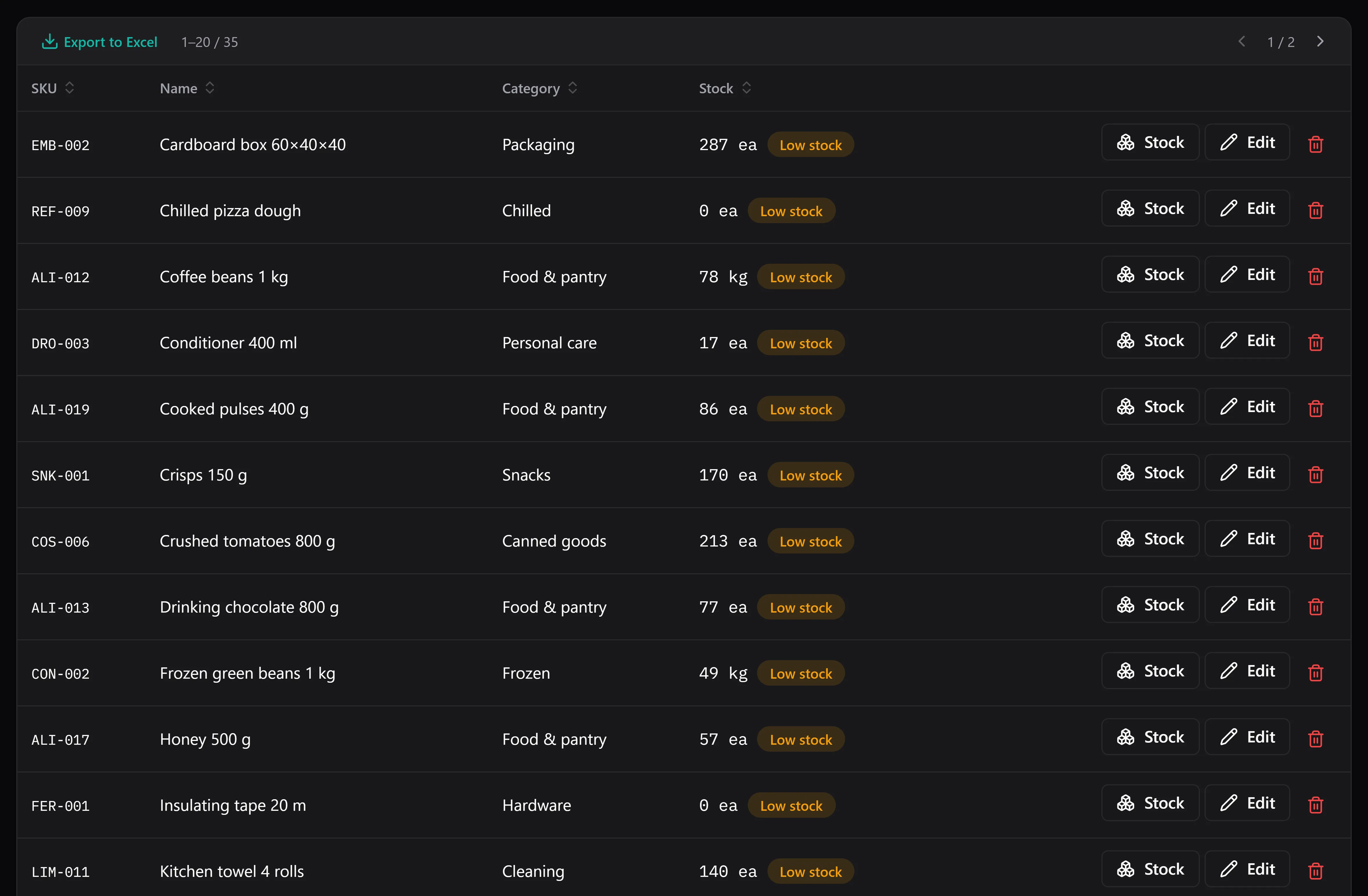
What’s below its reorder level, in one filter — the shopping list writes itself.
We wrote a whole piece on how to choose the number without overthinking it: reorder point and minimum stock, explained. The short version — base it on how fast the item sells and how long your supplier takes — is usually enough for a shop. If you’d rather not open a filter at all, you can switch on the optional AI assistant and just ask “what’s below its minimum?” or “where is SKU X?” — it reads your stock and answers in plain language, read-only, on your own provider key at cents per question.
Write down every change
The third habit is the one that feels like overhead until the day it saves you. Every entry, exit, adjustment and move gets recorded, with its date and a reason. Correct a miscount and the correction is a movement with a reason, not a silently overwritten number. Six weeks later, when the figure looks wrong, there is a trail to read instead of a shrug.
This is what keeps the count true between deliveries. A stockroom where the number on the screen and the number on the shelf agree is a stockroom you can actually plan from.
Boxes, not pallets — keep it simple
A shop backroom is not a distribution warehouse, and the app knows it. In boxes mode it talks about stock in a location — how many units of this product sit in B-02-1 — and never mentions pallets or SSCC codes. The screens stay short and there’s nothing to learn that a shop doesn’t need. If you ever grow into whole-pallet handling you can switch, with no migration; the difference is covered in boxes or pallets: which mode fits you and in the boxes-or-pallets feature.
What it deliberately isn’t
Two honest limits before you commit. It is single-user: one computer, one database file — great for an owner-run shop, wrong for a team that all need to write at once. And it has no barcode scanner; you find items by their address and their name, not by beeping them. If your workflow lives on a scan gun, this isn’t it. For a small backroom where the owner or one manager keeps the stock, neither limit bites — and the shop stockroom use case is written around exactly that shape.
Selling online too? If your shop runs on Shopify, the back room is still a separate job — stockroom inventory for a Shopify shop covers running the two side by side, sync and all (there isn’t one, and that’s the point).
See it on a real backroom
The demo is the whole application in your browser, on a seeded shop with locations already filled — the fastest way to see whether “everything has an address” clicks for how you work. No install, no account. When it does, buying it once means the tool you organise around isn’t a subscription you have to keep feeding.