The reorder point is the quantity at which you order more of something — cross it, and it’s time to buy before you run out. Get it right on the lines that matter and you stop selling things you can’t ship and stop tying up cash in things you don’t need. This is what it means, how it differs from a couple of terms it’s often confused with, and how to set one without turning it into a maths project.
Three terms people mix up
- Minimum stock — the floor you don’t want to drop below. A target.
- Reorder point (ROP) — the trigger level that says “order now”, set above the minimum so the new stock arrives before you hit the floor.
- Safety stock — the buffer on top, for when demand spikes or the supplier is late.
They’re related but not the same. The minimum is where you’d rather not be; the reorder point is where you act so you never get there; the safety stock is the cushion baked into that number. If you only ever set one, set the reorder point — it’s the one that actually does something.
A formula you can do in your head
The honest version is one line:
Reorder point = (average daily sales × supplier lead time in days) + safety stock
If you sell about 8 units a day, your supplier takes 5 days, and you want a 2-day cushion, that’s (8 × 5) + 16 = 56. When stock hits 56, you order, and the 40 you’ll sell during those 5 days leaves you landing on roughly your safety buffer as the delivery arrives.
You don’t need a perfect number. A rough one that exists beats a perfect one in your head, because the one in your head isn’t watching the shelf at 4pm on a Friday.
Let the dashboard do the watching
Setting the number is half the job; noticing when stock crosses it is the other half, and it’s the half people fail at. So don’t watch it by hand. Give the lines that matter a reorder level and the dashboard counts what has fallen below it — you see the shortfall on opening the app, not when a customer asks for the thing you’re out of.
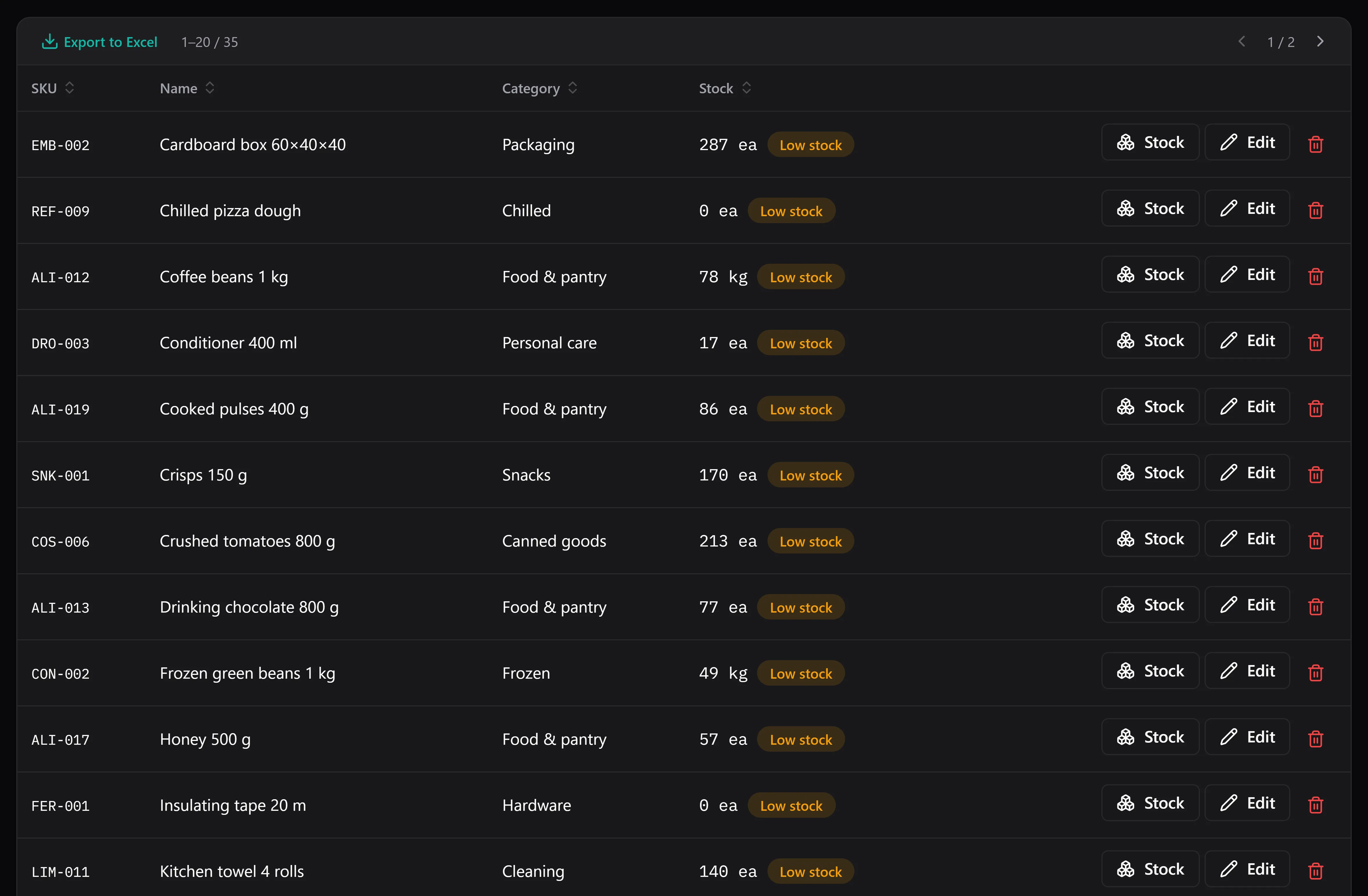
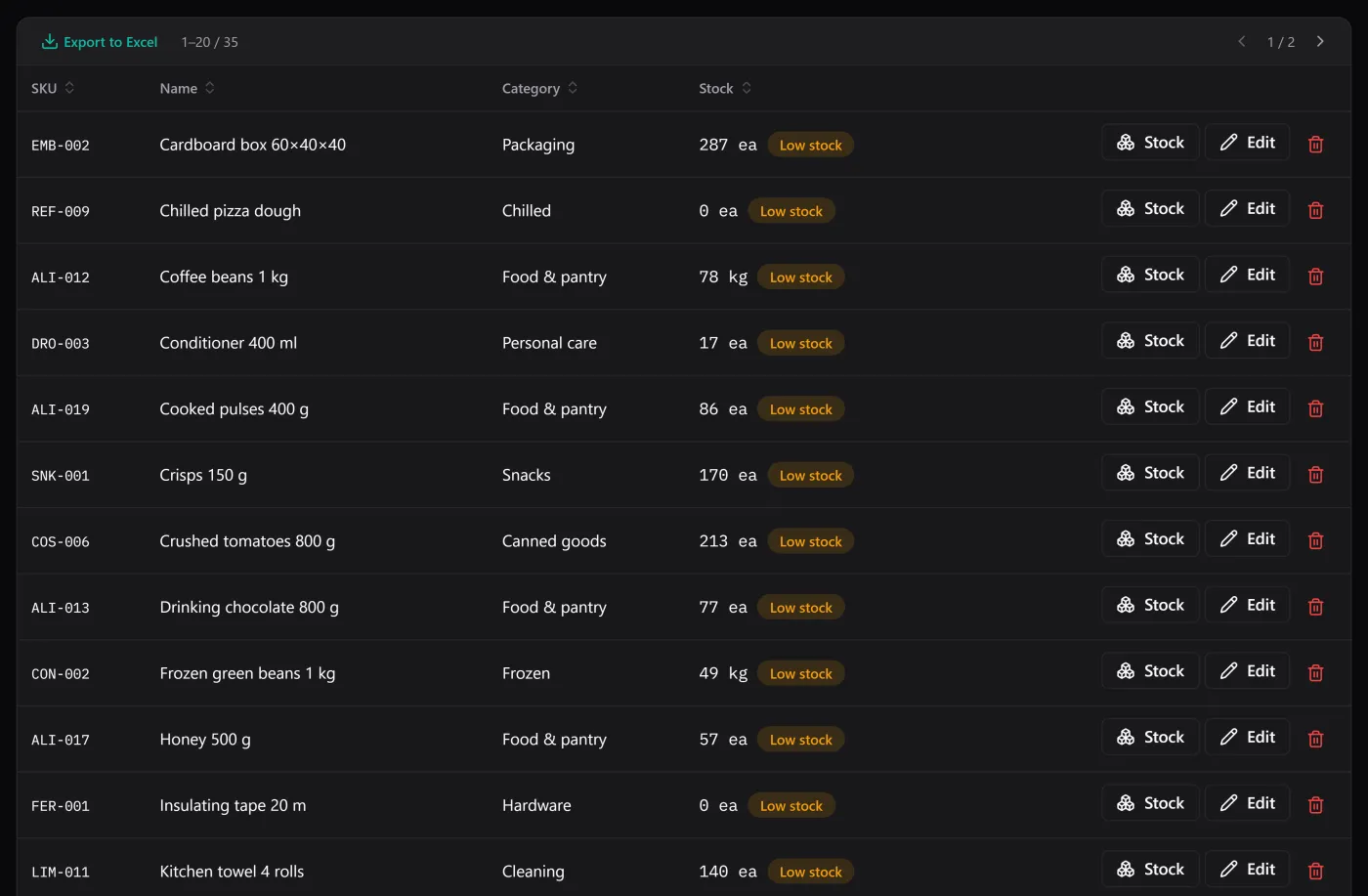
Everything below its reorder level, in one filter — this is the buy list.
The stock list has a filter for exactly those items, so “what do I need to order?” is a click, not a scan down a spreadsheet hoping you don’t miss a row. Or, with the optional AI assistant switched on, you can simply ask “what’s below its minimum?” and read the answer back in a sentence — it reads your stock read-only, on your own provider key, and needs a connection to do it.
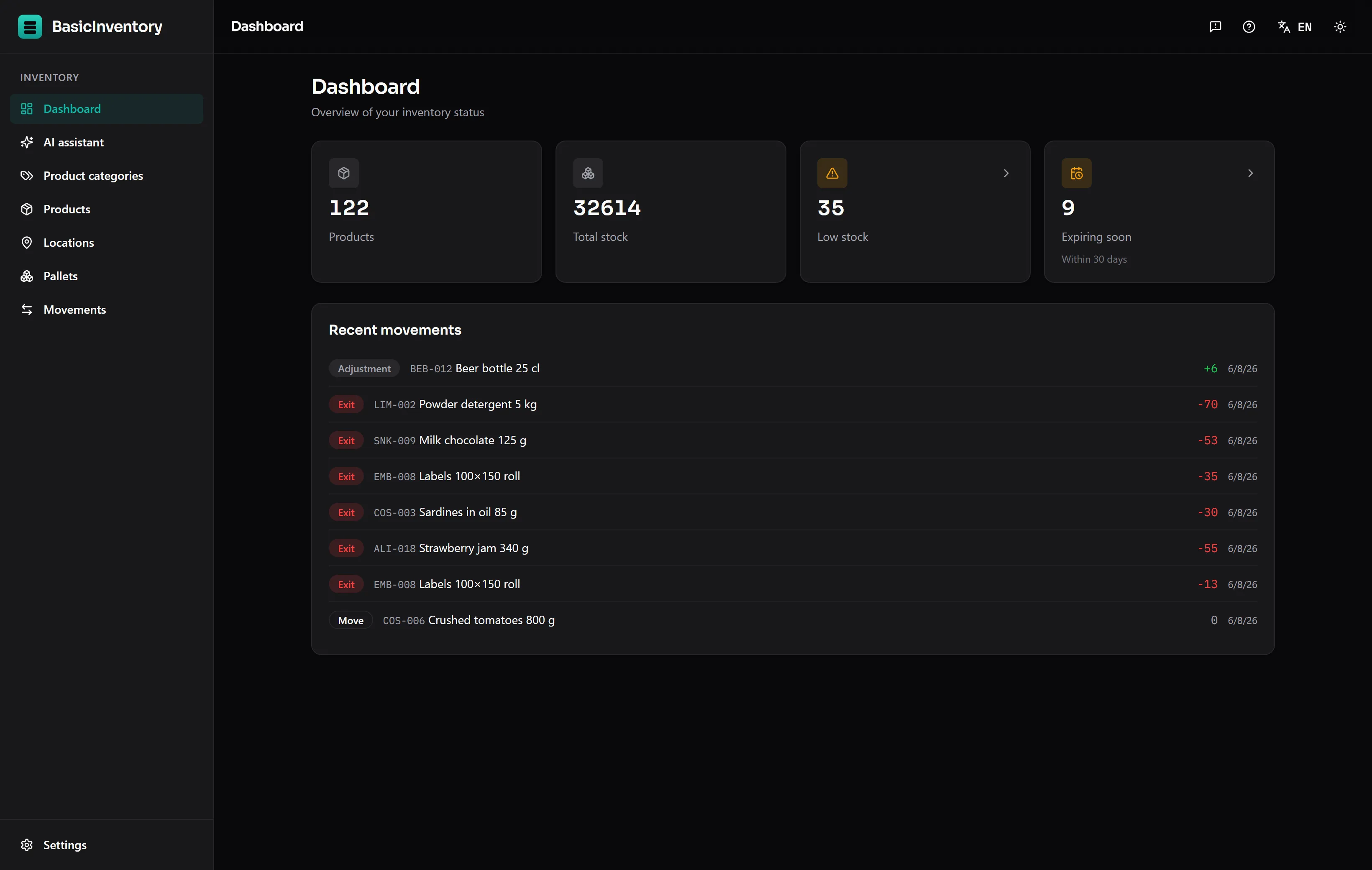
The dashboard puts the numbers that need action where you can’t miss them.
Reorder point and expiry pull in different directions
Worth a warning if any of your stock has a date. A reorder point pushes you to hold more so you don’t run out; a short shelf life pushes you to hold less so nothing expires on the shelf. For dated goods you’re balancing both, and the lots and expiry / FEFO piece is the other half of the picture — order enough to not run out, but not so much that you’re writing off the surplus.
Where it fits, and where it stops
BasicInventory tracks the level and flags the shortfall; it does not place the order for you. There’s no supplier integration and no automatic purchasing — it tells you what’s below the line and leaves the buying to you, which for most small operations is exactly the right amount of automation. It’s also single-user and Windows-only, and it holds no prices, so “how much will restocking cost?” lives in your accounts, not here.
For a fast-moving online shop where running out means a cancelled order, the reorder flag is one of the features that pays for the app on its own. It pairs naturally with keeping the count true — see stockroom organization — because a reorder point is only as good as the stock number it’s measured against, and the number stays honest when every change is a recorded movement.
See the flag fire
The demo ships a seeded warehouse with items already below their level, so the low-stock filter is populated the moment you open it — the quickest way to see whether this is how you’d want to be warned. New to the vocabulary? The inventory glossary has reorder level, safety stock and the rest. And the app is a one-time purchase, which for a daily tool means no meter running while you use it.