If you run a Shopify shop, you already have a number for every product: how many are available to sell. What Shopify does not have is a picture of the room those units live in — which shelf, which box, what is running low behind the scenes, what has a date on it. That is stockroom inventory, and it is a different job from a storefront. This is how to do it well with a small offline app that sits beside Shopify, and — first, because it decides everything — what that app does not do.
The honest part first: there is no Shopify integration
BasicInventory does not connect to Shopify. It does not sync quantities, it does not import your catalogue, and it will not push a stock change back to your storefront. It is an offline desktop app for the physical side of a shop: the room, the shelves, the boxes. If what you need is automatic two-way sync with Shopify, this is not that tool, and I would rather say so on the first line than lose an afternoon of yours.
What it is good for is the thing Shopify is not built to do: knowing where things are and what is really on the shelf, offline, on the shop’s own PC.
What Shopify already does, and where it stops
Shopify is the storefront and the sales ledger. It knows what is listed, what sold, and the single “available” number per variant. That number is enough to stop you overselling online, and for a lot of shops it is all the online side needs.
Where it stops is the back room. Shopify does not care that the same product sits in two places, that the box on the top shelf expires first, or that you are down to four units of something before you promise it to a walk-in customer. It holds a quantity, not a map. The moment your stock has a location, a lot, or a date, you are keeping that somewhere else — a notebook, a spreadsheet, or someone’s memory.
Two systems, one job each
The clean way to think about it is two systems that do not need to be one:
- Shopify — the online listing and what is available to sell.
- A stockroom system — where each thing physically is, what is low, what has a date, and a record of every change.
They meet at exactly one number: how many you have. For a small shop, keeping that number right by hand — you adjust Shopify when a delivery lands or a count changes — is less work than it sounds, and far less than wiring up a sync you then have to trust and debug. The physical count is the source of truth; Shopify is the shop window onto it.
Setting up the stockroom
Three habits make a back room findable, and they are the same three whether or not you sell online:
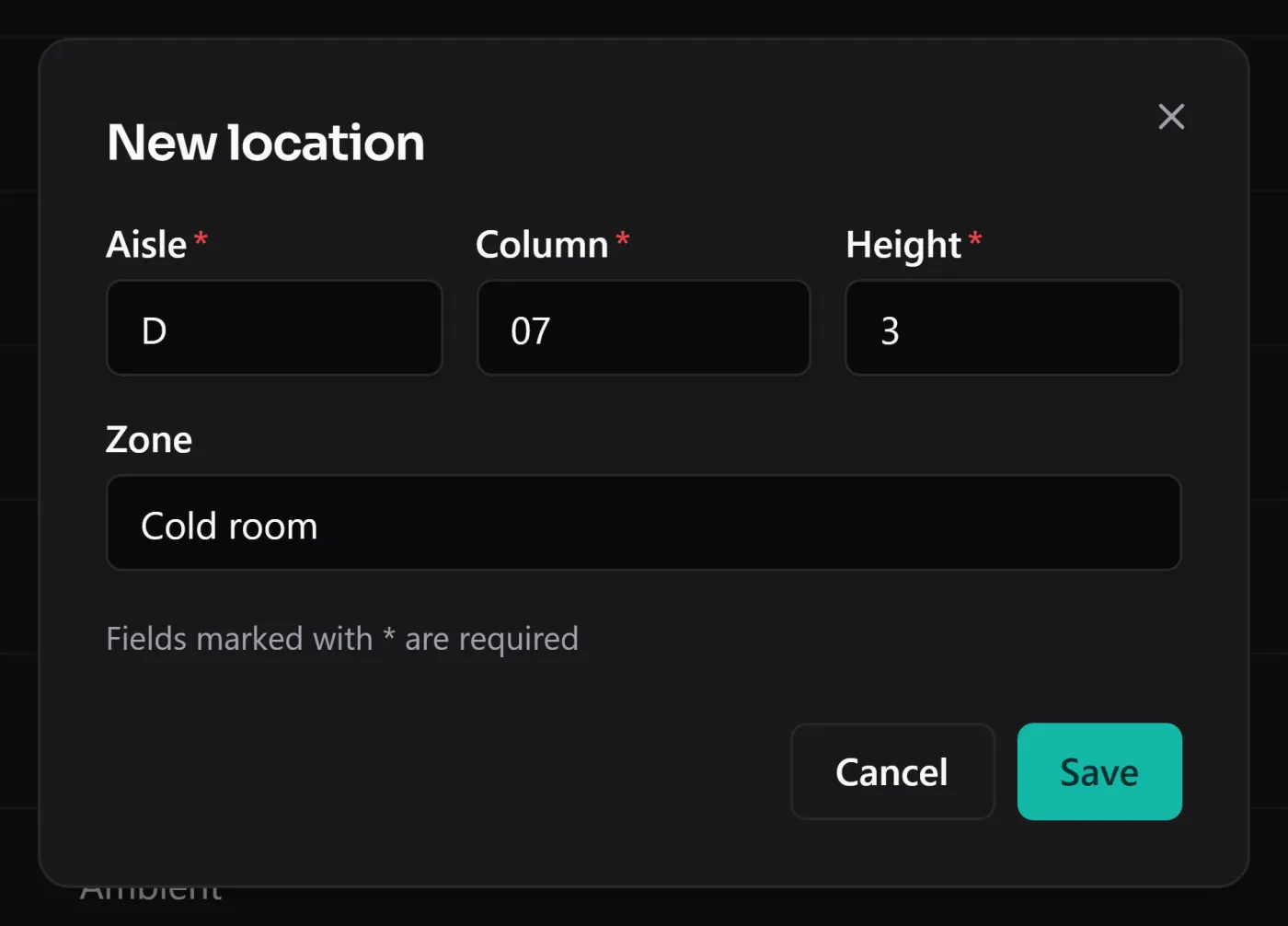
- Give every spot an address. BasicInventory uses aisle · column · height —
A-04-2— so “where is that?” is a lookup, not a search of the room. One wall of shelving with the columns numbered is already a grid. - Work in boxes mode. A shop is not a pallet warehouse, so the app runs in boxes mode: units per location, no SSCC codes, nothing to learn that a shop does not need.
- Put a reorder level on the lines that matter. The dashboard counts what has fallen below it, so “what do I need to reorder?” is a filter, not a memory test — the same discipline as reorder points.
The full walk-through of building it is in organising a stockroom; the shop it is written for is the shop stockroom use case.
Keeping the two in step, by hand
Because there is no sync, the rule is simple: the stockroom is the truth, and you update Shopify from it, not the other way round. A delivery arrives, you register the entry in BasicInventory and set the new available quantity in Shopify. You count a shelf and it is short, you record the adjustment — with its reason — and correct Shopify to match. Every change in the room leaves a movement with a date and a reason, so when the shelf and the screen disagree six weeks later, there is a trail to read instead of a shrug.
It is a manual seam, and I am not going to dress it up as anything else. For a one-person or small shop it is a minute per delivery; for a high-volume operation that needs real-time sync across channels, it is a limit worth knowing before you buy.
Or just ask the room
With the optional AI assistant switched on, the stockroom answers in plain language: “what is below its reorder level?”, “where is SKU X?”, “what expires this month?”. It reads your stock and replies; it never changes anything, and it never touches Shopify. It runs on your own provider key at cents a question and is off until you turn it on. If you would rather not, the same answers are a filter away, fully offline.
Where it fits, and where it does not
BasicInventory is the offline back room of a Shopify shop: locations, boxes, reorder levels, lots and expiry, and a recorded history of every change. It is one person on one computer, Windows only, and — the line that started this piece — it does not integrate with Shopify or track sales. It holds what is in the room; Shopify holds what is in the window.
The fastest way to judge the fit is the demo: the whole application in your browser on a sample stockroom, no account and nothing to install. When it fits, the app is a one-time purchase on the Microsoft Store — no subscription stacked on top of the one you already pay Shopify.