Stock control has a vocabulary, and most guides assume you already speak it. This inventory glossary defines the terms in plain language, in one place, and links each to a fuller guide where there’s more to say. Skim it, or jump to the word that sent you here. It’s the hub the rest of our writing hangs off.
SKU (stock keeping unit)
A unique code for one distinct product — a specific item in a specific size, colour or pack. “500 ml blue paint” and “1 L blue paint” are two SKUs. The SKU is how you refer to a thing unambiguously, in a search box, on a shelf label, or when asking the assistant “where is SKU X?”. It’s not the same as a barcode (that’s the printed symbol) or a lot (that’s a batch of the SKU).
Lot / batch
A group of units produced or received together, sharing an identity and usually a date, so you can trace them as a set. If a supplier flags a batch, the lot is what lets you find every unit of it. Turn lot tracking on per product — only where it earns its place. Full guide: lots and expiry dates, and how FEFO works.
Expiry date / shelf life
The date after which stock shouldn’t be sold or used. Shelf life is how long from production to that date. Track it on the products that have one, and let the app count what’s within thirty days so the date reaches whoever picks the order.
FEFO (first expired, first out)
A picking rule: ship the unit with the earliest expiry first, which isn’t always the oldest arrival. The right rule for dated goods, because a later delivery can be short-dated. See lots and expiry / FEFO.
FIFO (first in, first out)
Ship the oldest arrival first. Fine for goods without a date — screws, paint, spare parts. For anything with an expiry, FEFO beats it.
Location (aisle / column / height)
The physical address of stock. A vague “in the back” doesn’t survive contact with a busy week; a consistent grid — aisle, column, height, so A-04-2 always means one place — does. It’s the backbone of a findable stockroom. See stockroom organization and the locations feature.
Movement
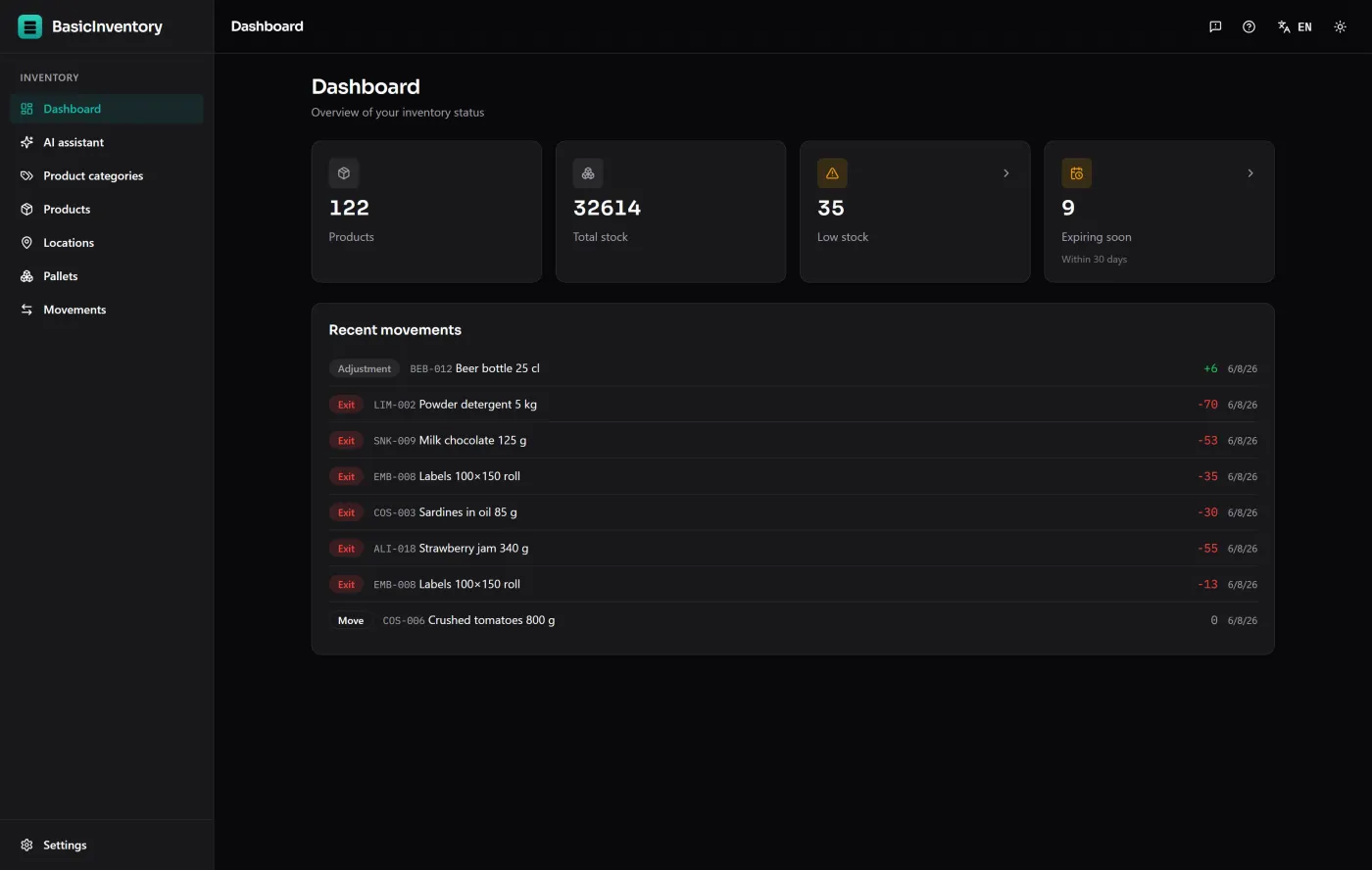
Any recorded change to stock: an entry, an exit, an adjustment or a move between locations, each with a date and a reason. Stock isn’t a number someone typed — it’s the sum of its movements, which is what makes it auditable. See the stock movements feature.
Reorder level / reorder point
The quantity at which you order more of something before you run out. Set it above your minimum so new stock lands before you hit the floor. The dashboard watches it for you — or you can ask the assistant “what’s below its minimum?”. Full guide: reorder point and minimum stock.
Minimum stock and safety stock
Minimum stock is the floor you’d rather not drop below; safety stock is the buffer on top for demand spikes or a late supplier. Both feed into where you set the reorder point. Covered in reorder point and minimum stock.
Box vs pallet (inventory mode)
Two ways to present the same data. Boxes mode talks about stock in a location — simple, for a shop. Pallets mode shows each pallet with its full detail, for a warehouse handling whole units. Same database, switchable, no migration. See boxes or pallets: which mode fits you.
SSCC (serial shipping container code)
The 18-digit code that uniquely identifies a logistics unit — typically a pallet. It’s what makes unit-by-unit traceability possible in pallets mode. If you only handle boxes, you’ll never see it. More in boxes vs pallets.
Traceability
The ability to answer “what happened to this lot?” after the fact. It works because each movement stores a snapshot of the lot and location it touched at the time, so the trail survives even after that stock has left the building.
Offline / local-first
Software that runs on your machine and keeps data in a file you own, working with no connection. The opposite of a cloud tool that stops when the internet does. See offline inventory software.
One-time purchase vs subscription
One-time purchase: pay once, own that copy. Subscription: pay monthly, lose access when you stop. The trade-offs — money, features, ownership — are laid out in inventory software with no subscription.
AI assistant
An optional feature that reads your stock and answers questions in plain language — “what’s below its minimum?”, “which lot expires first?” It only reads and answers; it never changes, picks or moves stock. It’s off by default, runs on your own provider key at cents per question, and needs a connection. Full detail: inventory software with an AI assistant.
That’s the working vocabulary. To see the terms in a real system rather than on a page, the demo is the whole application in your browser — SKUs, lots, locations and movements already filled in — and the features overview maps each concept to the screen it lives on.